Managing your profile
Your profile contains personal information.
Click on your user name in the top right of the screen. A drop-down list will show. Click on Profile to enter the Profile settings page.
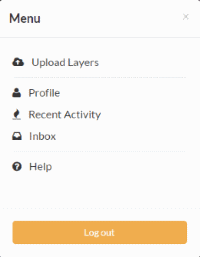
Link to your profile
The next page shows your profile, which is currently empty.
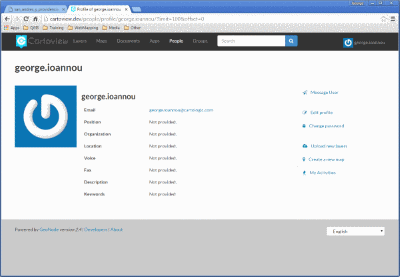
Profile page
Click the Edit profile information link.
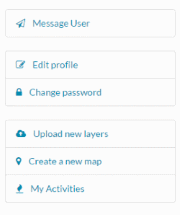
Link to edit your profile
On this page, your personal information can be set, including your avatar. Enter some details in the Profile box as well as your city and country info.
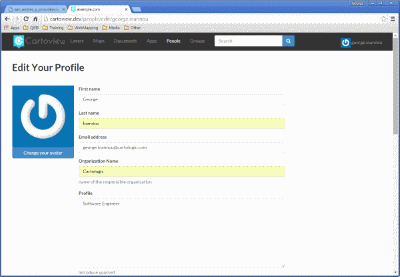
Editing your profile
When finished, click Update profile.
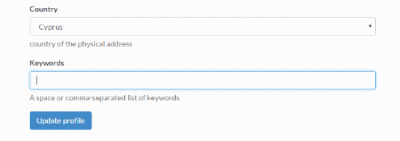
Link to save your profile updates
From the profile page you can also change your password. Just click on the Change Password link and the relevant form will appear.
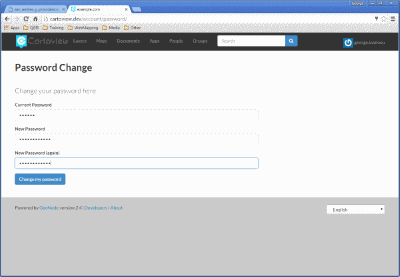
Change password
When finished, click Change my Password to save changes and return to the profile page.