Viewing other user accounts
Now that your account is created, you can view other accounts on the system. To see information about other users on the system, click the People link on the top toolbar. You will see a list of users registered on this system.
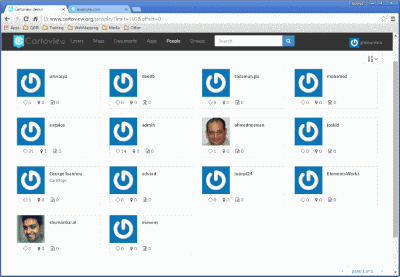
List of users
Click on the user name for a particular user. You will see the user’s profile.
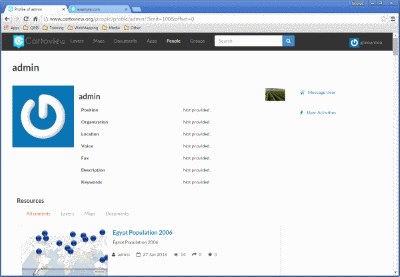
User profile
You can also click Activities to see the activity feed.
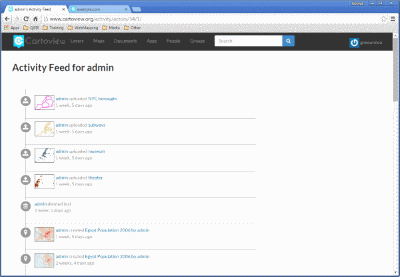
List of users
Click the Layers tab at the bottom of the page to preview layers uploaded by this user.
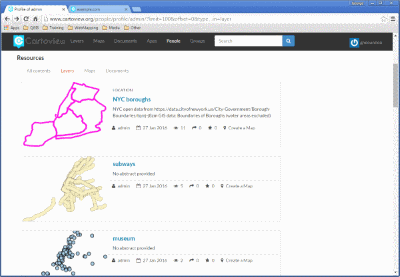
List of layers owned by a user
- You can also click the Maps tab to preview maps owned by this user.
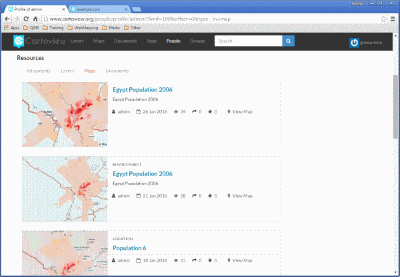
List of maps owned by a user
- Finally, you can click the Documents tab to preview documents owned by this user.
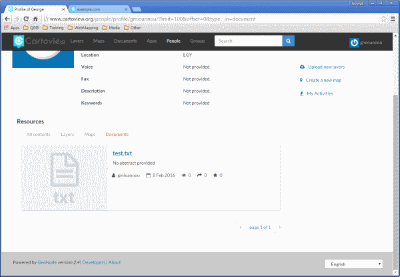
List of documents owned by a user