Sharing layers
GeoNode has the ability to restrict or allow other users to access a layer.
Anonymous access
Go to the layer preview of the first layer uploaded, and copy the URL to that preview page.
Note
The URL should be something like:
http://demo.geonode.org/layers/geonode%3Asan_andres_y_providencia_administrativeNow log out of GeoNode by clicking on your profile name and selecting Log out.
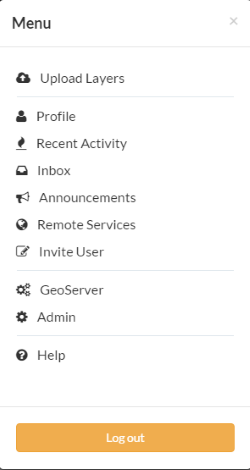
Log out
Now paste the URL copied about into your browser address bar and navigate to that location.
You should be redirected to the login page. This is because when this layer was first uploaded, we set the view properties to be any registered user. Once logged out, we are no logner a registered user and so are not able to see or interact with the layer.
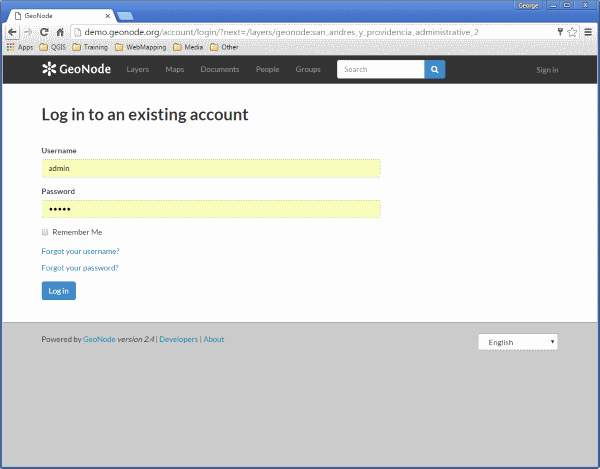
Unable to view this protected layer